
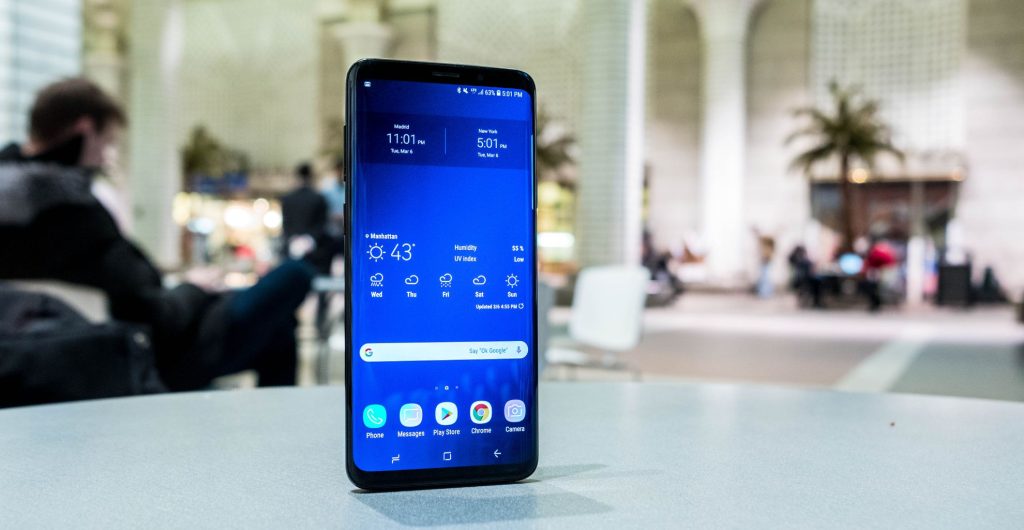
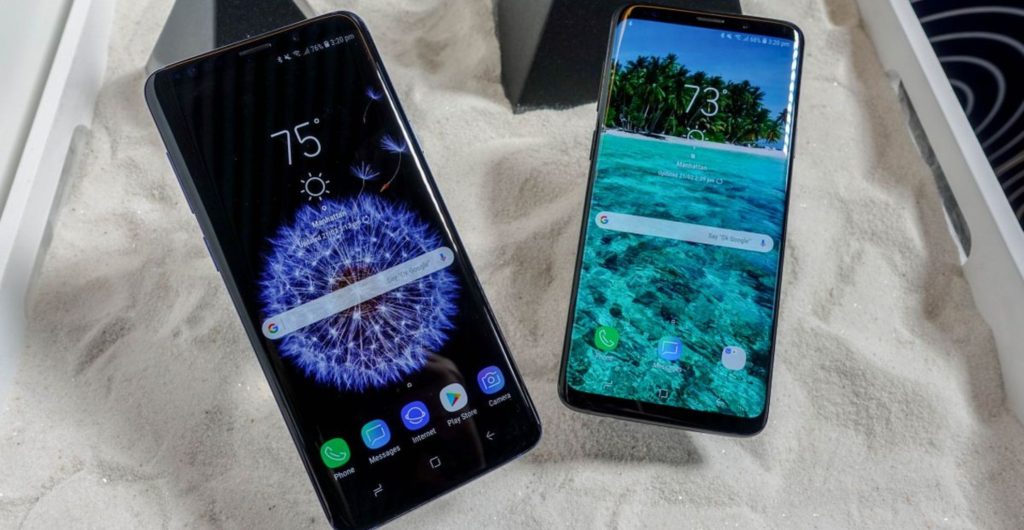
If you are using a used Samsung Galaxy S9 Plus, proper care makes the difference between a smooth daily experience and constant frustration. This guide covers Samsung S9 Plus care tips that actually work, from storage and memory management to battery optimisation, cleaning, security, and troubleshooting slow or freezing performance.
You will learn how to prolong S9 Plus battery health, follow a practical Galaxy S9 Plus cleaning guide, apply proven Samsung S9 Plus performance tips, and confidently maintain used Samsung S9 Plus devices using built-in features like Device care, App protection, and smart storage habits.
In our repair shop at iRepair Mobiles UK, the S9 Plus comes in a lot with the same complaints. Slow, freezing, and general performance issues rarely happen randomly.
The most common cause is background apps that keep running and consume extra resources. When combined with low storage space that is nearly full, the impact on speed is immediate. An overloaded storage system struggles with file access, which hurts app performance.
Another big issue is outdated software. Phones that are not up to date miss important software patches that fix bugs and improve stability. Over time, cached files accumulate and take up space. Add aging hardware into the mix and older phones can struggle with modern apps.
We also see phones infected with malware, malicious software, or hidden viruses. These can significantly slow down the phone and compromise security. On top of that, constant Location Services usage like GPS tracking for Google Maps, Uber, or DoorDash causes heavy battery drain and contributes to battery life issues.
Before assuming the worst, always start with simple fixes. They solve more problems than people expect.
A quick restart clears out minor glitches. Press and hold the Power button, select Restart, and wait a few seconds for the process to complete. Many small crashes are gone once it is Done.
Staying up to date matters. Go to Settings, then Software update, and Check for new update. If a new version is available, Download and install it. Updates improve performance and prevent future issues.
Open Settings, scroll to Device care, and tap Optimize now. The system will scan your device, close background apps, check for malware, and improve overall stability. This single step helps your phone run smoothly.
Storage problems are the number one reason older Samsung phones slow down.
Go to Settings, then Device care, then Storage. Tap review to see stored files and what is taking space.
| File category | Action to take |
|---|---|
| Images | Back up and delete duplicates |
| Videos | Move large files to cloud storage |
| Audio files | Remove unused downloads |
| Documents | Clear outdated files |
After deleting items, open Trash and permanently delete previously removed files. Check Unused apps that have not been used in 30 days. Removing them helps free up space and improve performance.
Use the Back icon in the top-left corner, or the back gesture or button, to navigate smoothly through settings.
RAM matters more than most users realise.
Under Device care, open Memory. Here you will see background apps, current RAM usage, and available RAM. Tap Clean now to stop unnecessary processes and free up memory.
If you want certain apps to stay active, add them to Excluded apps or the Memory resident apps list. This balance helps your phone run smoothly without wasting resources.
A healthy battery keeps the whole phone responsive.
Open Device care, go to Battery, and toggle on Power saving. Choose options that best suit your needs. Reducing brightness, limiting background activity, and adjusting performance profiles all help prolong S9 Plus battery life.
Avoid poor charging habits. Use official chargers and do not let the battery constantly drop to zero. Battery power-saving settings work best when combined with smart usage.
Most people ignore cleaning until problems start.
Use a microfiber cloth to gently wipe the screen. For stubborn smudges, slightly dampen the cloth with water or an alcohol-free screen cleaner. Follow this Galaxy S9 Plus cleaning guide weekly.
Dust inside speaker grills and charging ports causes real issues. Use a soft, dry brush to clean gently. This prevents charging problems and distorted sound. From our experience, regular cleaning alone avoids many costly repairs.
Security directly affects performance.
Enable App protection inside Device care to regularly scan for threats. Malware runs silently in the background and drains both performance and battery. Keeping security features active protects your data and keeps the system responsive.
If your phone feels slow while browsing the web or using online apps, check your network. A poor network connection, weak Wi-Fi, or unstable data signal causes apps to freeze and load slowly.
Close apps from the Recents button at the bottom left-hand corner of the screen. Swipe away apps you are not using. Then go to the Google Play Store, tap your profile icon, open Manage apps & device, and update any app with an update available.
Sometimes, no amount of maintenance fixes deeper issues. Aging batteries, damaged storage chips, or persistent crashes need expert attention. At iRepair Mobiles UK, we see phones recover dramatically after proper diagnostics and part replacement.
Regular care combined with professional support ensures your device stays reliable longer.
Following these Samsung S9 Plus care tips is not about babying your phone. It is about using built-in tools correctly, keeping storage and memory clean, protecting security, and maintaining battery health. Do this consistently and you will maintain used Samsung S9 Plus devices that feel faster, last longer, and stay dependable.
Subscribe for Newsletter

Choosing the right phone case is not just about looks. It is about finding the right
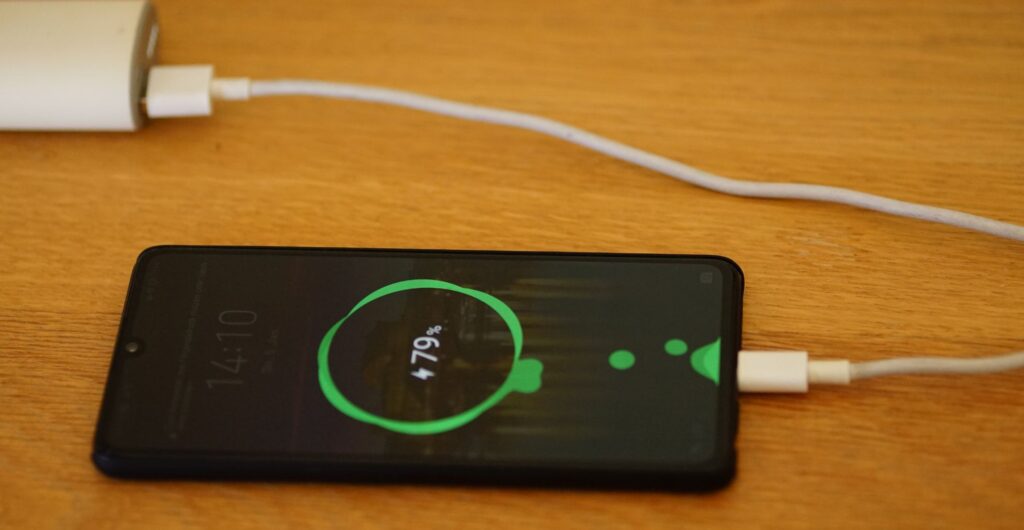
The Truth About Fast Charging is simpler than most people think. Modern smartphones are designed to
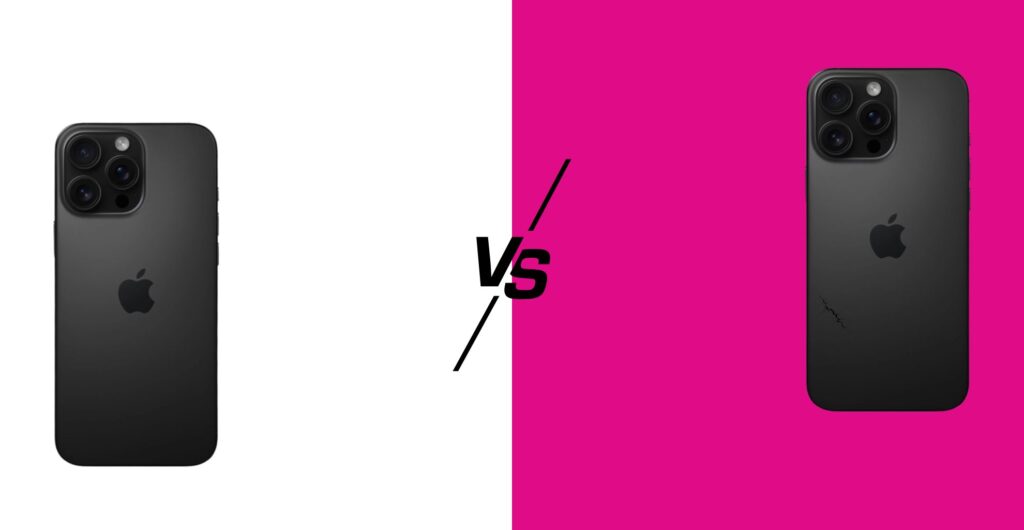
If you are weighing Refurbished vs Used Phones, here is the real-world difference in plain English:
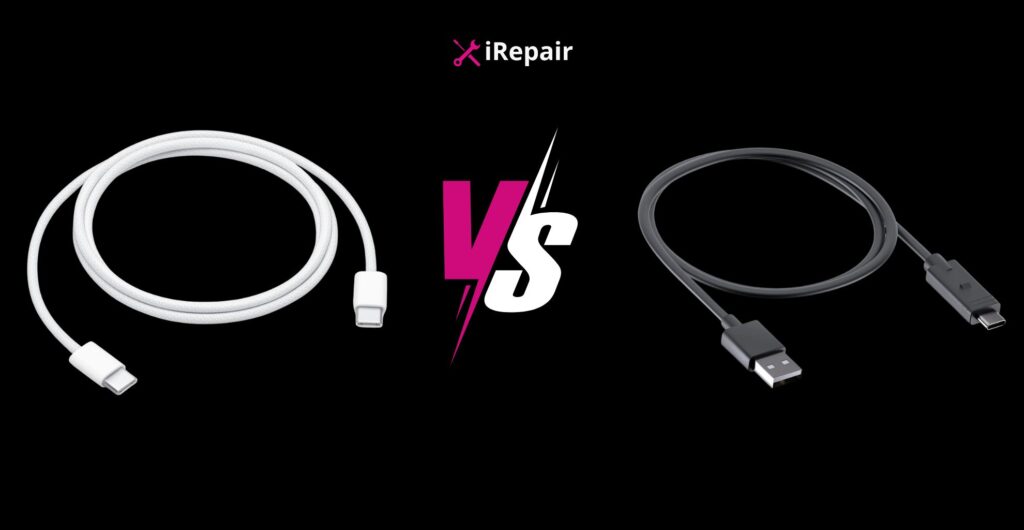
Choosing the best phone charging cable UK buyers can rely on is not just about grabbing
If you are using a used Samsung Galaxy S9 Plus, proper care makes the difference between
Even in 2026, the Samsung Galaxy S9 Plus continues to hold a surprising amount of love

